

On March 11, an Iran-linked group called Handala hit Stryker, one of the largest medical device manufacturers in the world. They didn’t deploy ransomware. They didn’t exploit a zero-day. They logged into Microsoft Intune with stolen admin credentials and pressed “wipe.”
200,000 devices. 79 offices. 50 terabytes of data exfiltrated. Manufacturing, shipping, and order processing shut down. Even the Lifenet system used by emergency responders to transmit patient data went offline.
The scary part isn’t the scale. It’s how simple it was.
The Attack in 30 Seconds
Attackers got hold of employee credentials, likely through infostealer malware. They used those credentials to access Active Directory and escalate to Intune administrator. Once they had that standing admin role, they used Stryker’s own device management platform to issue enterprise-wide remote wipe commands. Then they automated it with a hidden script to keep the wipes going.
No malware on the endpoints. No lateral movement through the network. Just a legitimate admin tool, used by someone who shouldn’t have been an admin.
The Real Problem: Standing Admin Access to Intune
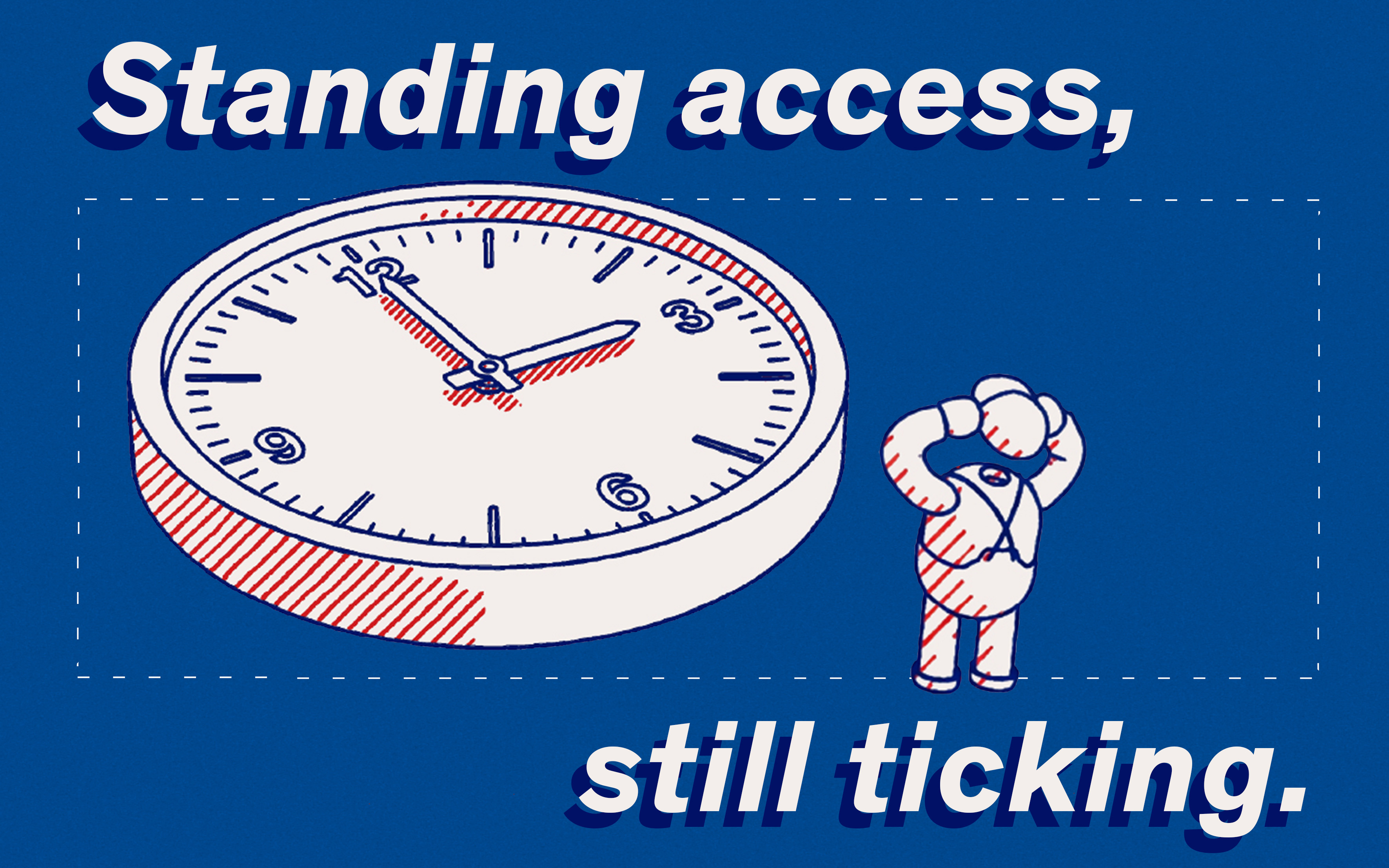
Intune is one of the most powerful tools in any Microsoft environment. It can push configurations, install software, and yes, wipe every device in the organization. That kind of power should never be permanently accessible to anyone.
But in most organizations, Intune admin roles are standing. They’re assigned once and left active indefinitely. If an attacker compromises any account that holds (or can escalate to) that role, they inherit the full capability. No time limit, no approval, no additional verification.
That’s exactly what happened at Stryker.
What We’ve Already Solved for Customers
This isn’t a theoretical problem for us at Venice. We’ve worked with customers to eliminate standing Intune admin access entirely, using our JIT role elevation mechanism.
Here’s how it works: no one holds a permanent Intune administrator role. When an IT admin needs to perform a task in Intune, they request the role through Venice. The role is elevated just-in-time, scoped to the task, and automatically revoked when it’s done. If nobody requests it, the role simply doesn’t exist as an active permission in the environment.
In the Stryker scenario, the attacker would have stolen credentials that had no standing admin access to Intune. There’s no role to abuse because the role isn’t active. The wipe command never gets issued.
CAEP Adds the Second Layer
Even during the short window when a JIT-elevated role is active, continuous access evaluation watches the session. Venice ingests real-time context signals from Entra and the Microsoft suite. An admin who suddenly starts issuing mass wipe commands across 200,000 devices from an unusual location or exhibiting anomalous behavior? Venice detects it and revokes access immediately, breaking the chain before the damage scales.
JIT prevents the role from being available in the first place. CAEP catches abuse during the window when it is, using real signals from your existing Microsoft environment.
The Bottom Line
The Stryker attack didn’t require sophisticated tools. It required one thing: standing admin access to a powerful platform. Remove that standing access, and the entire attack becomes impossible. Not harder. Impossible.
Frequently asked questions
Related articles





Privacy Preference Center
When you visit any website, it may store or retrieve information on your browser, mostly in the form of cookies. This information might be about you, your preferences or your device and is mostly used to make the site work as you expect it to. The information does not usually directly identify you, but it can give you a more personalized web experience. Because we respect your right to privacy, you can choose not to allow some types of cookies. Click on the different category headings to find out more and change our default settings. However, blocking some types of cookies may impact your experience of the site and the services we are able to offer. Learn more about cookie consent
Manage Consent Preferences
These cookies are essential for the website to function properly and cannot be disabled.
These cookies enable enhanced functionality and personalization, such as videos and live chat.
These cookies help us understand how visitors interact with our website by collecting anonymous information.
These cookies are used to track the effectiveness of our marketing campaigns.
We value your privacy
We use cookies to enhance your browsing experience, serve personalised ads or content, and analyse our traffic. By clicking "Accept All", you consent to our use of cookies.
